
Blog · August 14, 2026 · 7 min read
What's the Difference Between Heart Rate and Resting Heart Rate?
Heart rate is your pulse at any given moment; resting heart rate is a derived baseline measured while you're inactive. Here's how Apple Watch calculates each, what the numbers mean, and why the trend matters more than the number.
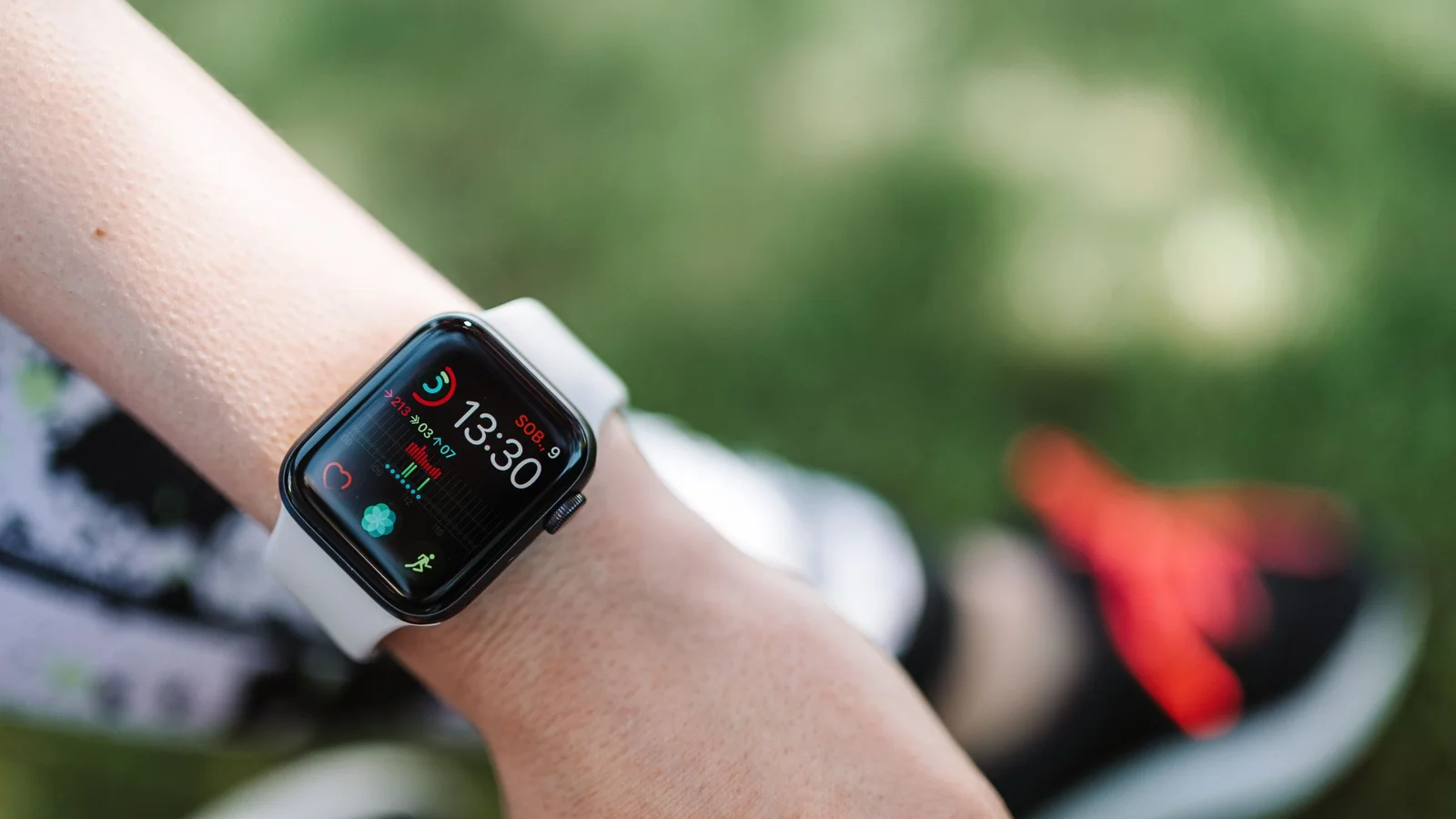
Here is the difference in one line: heart rate is your pulse right now, in whatever state you're in. Resting heart rate is a derived baseline: the number your heart settles into when you're inactive, averaged over low-activity periods. Your heart rate changes constantly with movement, stress, caffeine, and body position. Your resting heart rate changes slowly, over days and weeks, and that slower drift, measured against your own history, carries most of the useful health signal. On an Apple Watch, both numbers live in the same Heart Rate app, but they are computed completely differently and they answer different questions.
The short answer
- Heart rate is an instant or continuous measurement: how many times your heart beats per minute, right now. A single reading means little without context. 70 bpm at your desk and 70 bpm on a jog are very different situations.
- Resting heart rate is a filtered, derived number. Apple Watch calculates a daily resting rate by matching background heart rate readings with accelerometer data, using only the readings taken when you're still, per Apple's support documentation.
- The American Heart Association puts a normal resting heart rate at 60 to 100 bpm for adults who are calm and seated or lying down. Well-trained athletes commonly sit at 40 to 60, and population ranges are a poor substitute for your own baseline.
- Your trend is the signal. In the largest wearable study of resting heart rate to date, 92,457 adults were tracked for a median of 320 days. Individuals' resting rates ranged from about 40 to 109 bpm, yet each person's day-to-day variation averaged only about 3 bpm. What's normal is personal.
- Sleeping heart rate and post-workout recovery rate are separate metrics, not other names for resting heart rate. More on both below.
Heart rate vs resting heart rate at a glance
| Heart rate | Resting heart rate | |
|---|---|---|
| What it is | Your pulse at a given moment | A derived daily baseline from low-activity periods |
| How Apple Watch gets it | Continuous during workouts, periodic background readings the rest of the day | Correlates background readings with accelerometer data to isolate still periods |
| How fast it changes | Second to second | Day to day, week to week |
| What moves it | Activity, posture, caffeine, stress, heat, illness | Fitness changes, illness, alcohol, sleep debt, medication, season |
| Where it lives | Heart Rate app → current reading; Health app → Heart | Heart Rate app → Resting Rate; Health app → Browse → Heart → Resting Heart Rate |
| What it's good for | Effort during exercise, real-time awareness | Trends: recovery, fitness adaptation, early hints something is off |
What your heart rate actually measures
Your heart rate is simply the count of heartbeats per minute. It's a live readout of your cardiovascular system responding to demand, and the demand changes all day. Stand up from a chair and it rises a few beats. Drink coffee, sit in a hot room, get nervous before a meeting, or walk up a flight of stairs, and each one leaves a mark. The AHA lists temperature, body position, emotions, body size, and medications among the routine influences, and that's before exercise enters the picture.
Apple Watch measures this continuously during workouts and for three minutes after a workout ends, then falls back to periodic background readings through the day. It samples more often when you're still and less often when you're moving. The optical sensor reads blood flow in your wrist using green LEDs and light sensors (photoplethysmography, if you want the term), and it covers a range of 30 to 210 bpm, according to Apple. Open the Heart Rate app and it takes a fresh reading on demand.
Here's the important part. Because instantaneous heart rate reflects everything happening right now, a lone number is nearly impossible to interpret. A reading of 82 bpm could be perfectly ordinary after climbing stairs, or unusually high for someone whose body is fighting a virus. The number needs context, and that's exactly what resting heart rate exists to provide.
What resting heart rate is, and how Apple Watch calculates it
Resting heart rate is what your heart does when it has nothing extra to do. It's the pace needed to supply your body when you're calm and inactive. Clinically, you'd measure it after sitting or lying quietly. MedlinePlus specifies resting for at least 10 minutes before taking a pulse.
Your Apple Watch approximates this without you doing anything. Per Apple's support document, the Watch "calculates a daily resting rate and walking average by correlating background heart rate readings with accelerometer data when sufficient background readings are available." In plain terms: it uses the motion sensor to find periods when your body was still, keeps only the heart rate readings from those windows, and produces one resting number for the day. Two practical consequences follow:
- It's a wearable's approximation, not a clinical measurement. The quality of your daily resting rate depends on how much genuine stillness the Watch captured that day, and on whether enough background readings were available.
- The number reflects the stillness the Watch actually saw. Apple does not claim that wearing the Watch to bed changes the daily resting rate calculation. It simply matches the background readings it has with accelerometer data. More consistent wear gives the algorithm more still periods to work with.
To see the number: on the Watch, open the Heart Rate app and turn the Digital Crown to Resting Rate. On the iPhone, open Health → Browse → Heart → Resting Heart Rate, and switch the chart to week or month view. The trend is the part that matters.
Sleeping heart rate and recovery rate are not resting heart rate
These three get confused constantly, so it's worth separating them cleanly.
Sleeping heart rate is your heart rate while you sleep, full stop. Heart rate naturally drops during sleep, so your overnight numbers, visible in the Health app's sleep analysis and in the Vitals app on watchOS 11 and later, will usually run lower than your daytime resting rate. It is a distinct measurement from resting heart rate, and it answers a different question.
Post-workout recovery rate (heart rate recovery) is a different creature entirely. It's how many beats per minute your heart rate drops after exercise ends. Apple Watch keeps measuring for three minutes after you end a workout specifically to compute this, and you can find the one- and two-minute drops attached to each workout in the Health app. A faster drop generally reflects better cardiovascular conditioning. It's a fitness signal, not a rest signal.
Resting heart rate sits between them: an inactive baseline that Apple derives from background readings and motion data. Each metric answers a different question, so don't substitute one for another.
Why your resting heart rate changes
Resting heart rate naturally moves over time. The useful question is whether a change fits a pattern you can explain.
Day-to-day noise is small. In the 2020 Scripps study of 92,457 Fitbit users, the average person's daily resting rate wandered by only about 3 bpm within a typical week. The cohort's overall mean was 65.5 bpm, but individual averages spanned roughly 40 to 109 bpm. Age, sex, BMI, and sleep duration combined explained no more than 10 percent of that spread. Two equally healthy people can sit 30 beats apart.
Short changes need context. Activity, temperature, body position, emotions, medications, sleep, training, and time of year can all coincide with changes in resting heart rate. The same Scripps study found about 20 percent of people had at least one week per year where their resting rate swung 10 bpm or more. A short-term change is not by itself a sign of illness or overtraining. It is a reason to look at the wider pattern.
Slow trends carry the real information. A gradual decline over months often tracks improving fitness. A sustained rise is the one worth noticing. Sports science has treated an elevated resting heart rate as an overtraining red flag for decades.
That's the through-line: single readings are noise, short bumps are usually explainable, and sustained shifts against your own baseline are the signal worth acting on, or at least worth a conversation with a professional.
How Ness puts heart rate in context
The Health app shows charts, trends, and highlights for heart data. It does not combine resting heart rate with Ness's recovery, strain, and coaching system.
Ness reads your Apple Health data on your iPhone and uses personal baselines for the scores that depend on them, rather than judging those signals against one population average. Your sleeping heart rate, not your resting heart rate, feeds the morning Recovery score, alongside overnight HRV, respiratory rate, oxygen saturation, wrist temperature, and your Sleep Score. Resting heart rate is charted separately in the Fitness tab and feeds your heart-rate reserve, which is how Ness computes your heart-rate zones and Strain Score. The daily scores are computed on-device. AI features like the chat and nutrition estimation use separate cloud processing under the privacy practices described in the Ness Privacy Policy. Ness is $7.99 per month or $49.99 per year on the App Store.
FAQ
Is a resting heart rate of 55 too low? Not by itself. The AHA's normal range is 60 to 100 bpm, but athletes and fit people commonly rest in the 40s and 50s because a conditioned heart pumps more blood per beat. What matters more than the absolute number is a sustained change from your normal, or symptoms like dizziness, fatigue, or fainting. Those warrant a doctor's visit regardless of the number.
Why is my sleeping heart rate lower than my resting heart rate? Because they are different measurements. Heart rate often falls during sleep as your body's demands change, so overnight readings may run below your awake-at-rest baseline. The difference alone doesn't tell you whether either value is healthy. "Resting" simply doesn't mean "lowest."
Why did my Apple Watch resting heart rate suddenly jump? Many ordinary factors can coincide with a change, including sleep, training, stress, temperature, travel, and medication. A one- or two-day move can fall within normal variation. The wearable study above found about 3 bpm of variation within a typical week. A sustained change, or any change paired with symptoms, is worth discussing with a physician.
Is heart rate recovery the same as resting heart rate? No. Heart rate recovery is the drop in your pulse in the minutes after a workout ends, and it's a fitness indicator. Resting heart rate is your inactive baseline. Apple Watch tracks both, and they tell you different things.
How often should I check my resting heart rate? Checking the chart weekly is enough for most people. The AHA's own reporting on wearable tracking quotes cardiologists warning against obsessing over daily numbers. There's a wide range of normal, and day-to-day fluctuation is expected. Trend over weeks, not mornings.
Sources
- Apple. Monitor your heart rate with Apple Watch — updated November 2025
- Apple. Check your heart rate on Apple Watch — Apple Watch User Guide, watchOS 26
- American Heart Association. All About Heart Rate (Pulse) — reviewed May 2024
- Quer G, Gouda P, Galarnyk M, Topol EJ, Steinhubl SR. Inter- and intraindividual variability in daily resting heart rate and its associations with age, sex, sleep, BMI, and time of year — PLOS One, February 2020
- American Heart Association News. Watch your heart rate, but don't obsess about it — February 2021
- MedlinePlus. Pulse — reviewed January 2025
- Meeusen R, Duclos M, Foster C, et al. Prevention, diagnosis, and treatment of the overtraining syndrome: joint consensus statement — Medicine & Science in Sports & Exercise, January 2013
Related reading
- Apple Watch HRV: What It Means and How to Read It
- How to Check Your Recovery Score on Apple Watch
- Strain vs Stress vs Recovery: What Each Score Actually Measures
- Apple Watch Sleep Score: What's Good, What It Misses, and How to Use It
Your Apple Watch computes a daily resting heart rate when it has enough background readings. The hard part is knowing when a change means something. Ness charts resting heart rate alongside your other Apple Health trends and uses sleeping heart rate separately in its Recovery score. $7.99 per month or $49.99 per year on the App Store.
Nothing here is medical advice. Health apps and wellness scores are tools, not diagnoses. If you have symptoms or a health condition, see a physician.