Blog · September 21, 2026 · 14 min read
AI Blood Test Interpretation: What It Can Tell You
What AI blood test interpretation apps actually do, how accurate they are, what they miss, and how to review your lab results safely on iPhone.
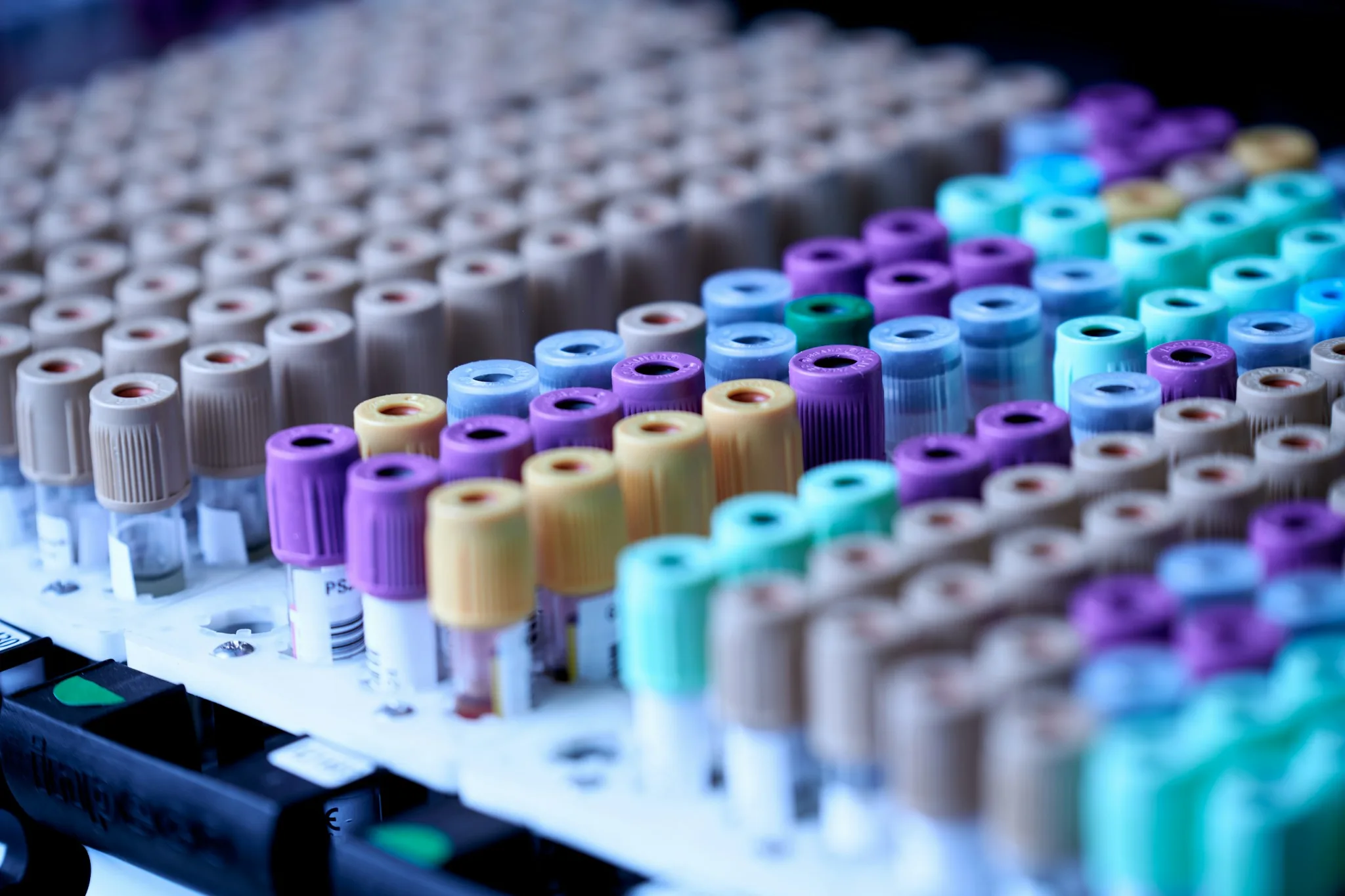
You got your blood work back. The report has dozens of numbers, a column of ranges, and no explanation. When you search for what one of those numbers means, you find forum threads and scanned clinic PDFs. That gap is what AI blood test interpretation apps try to fill.
Here is the direct answer. AI can read your lab report, flag the values outside the reference range, explain what each biomarker measures in plain language, and track how your numbers change between tests. It cannot diagnose you, it cannot pick or adjust your medication, and a single result on its own often means less than it looks. An AI app is a translator for the report. Your doctor is the one who reads the report in the context of you.
This post covers how the interpretation works, what it catches, where it fails, and which apps do it today. It also covers what happens to your data when you upload a lab report.
The short answer
- AI blood test interpretation means a software model reads your lab report and explains it in plain words. It flags out-of-range values, defines each biomarker, and adds context from your past results.
- What it does well: translating lab jargon, spotting values outside the reference range, and reading trends across several tests.
- What it cannot do: diagnose a disease, choose or change a medication, or replace a clinician's judgment on an abnormal result.
- One reading is fragile. MedlinePlus lists food, medicines, supplements, hard exercise before the test, menstrual timing, and skipped fasting as common things that shift results.
- Apps that do it today include Ness (reads Apple Health Records in chat, citing the institution and date for each record), WHOOP Advanced Labs, Bevel Pro, Oura, and Apple's $119 Quest panel.
- Upload labs only to apps that explain how they handle your data. Most wellness apps are not covered by HIPAA.
How does AI blood test interpretation work?
The process has four steps, and each one matters for how much you can trust the output.
First, the app reads your report. You can usually upload a PDF or a photo, or connect Apple Health Records, which pulls lab results straight from your hospital system. The software extracts each test name, value, and unit. Units matter, because one lab reports glucose in mg/dL and another may use mmol/L. A misread unit changes the meaning by a factor of 18.
Second, it compares each value to a reference range. A reference range is the set of numbers that counts as a normal result for that test. Labs build these ranges from the results of large groups of healthy people. If your fasting glucose comes back at 105 mg/dL and the range on your report tops out at 99, the app flags it as high.
Third, it adds context. This is where better apps beat a plain flag. Context means three things. It can read across a panel, which is a group of related tests run on one blood sample, like a lipid panel covering LDL, HDL, total cholesterol, and triglycerides. It can compare your result to your own history instead of only the population range. A creatinine of 1.1 means something different if your last five tests were 0.8. And it can track change over time. MedlinePlus advises using the same lab when you follow a trend, because labs use different methods and different ranges.
Fourth, it explains the result in plain language. Instead of "TSH 4.8 mIU/L, H," you get a sentence about what thyroid stimulating hormone does and why a high value leads doctors to check further.
One honest note on the reference range itself. MedlinePlus points out that healthy people sometimes land outside the range, and people with real health problems sometimes sit inside it. The range is an average of a healthy test group, not a wall. A good AI explanation says this.
What can AI actually catch in your bloodwork?
AI interpretation catches patterns on paper. It does not detect disease in your body.
What it genuinely does well:
- Flags out-of-range values. The most common use. If your LDL cholesterol is 140 mg/dL when the target for most adults is under 100, the app marks it and tells you what LDL is. MedlinePlus explains that LDL is the cholesterol that builds plaque in artery walls.
- Connects related tests. A single high number is weak evidence. The same number next to its partner tests is stronger. A fasting glucose at the top of the range reads differently when your recent A1c, a three-month average of blood sugar, is also drifting up. Software is good at lining these up across a report.
- Tracks change between tests. This is the most underrated use. A cholesterol value that sits at 190 for five years is a different story from one that moved from 150 to 190 in eight months. Apps that keep your history can show the slope, and MedlinePlus specifically recommends same-lab comparisons for exactly this purpose.
- Explains what each test measures. Most people cannot define a biomarker, which is a measurable substance in blood that reflects some part of your health. An AI bloodwork app can define every line on the report on demand, which is something no PDF does.
What it does not do is diagnose. No consumer app can tell you that you have hypothyroidism, anemia, or prediabetes from a report. Those are medical judgments that weigh your symptoms, your exam, and your history. Apps that claim diagnosis would cross into medical-device territory that the FDA regulates. Consumer lab apps stay on the wellness side of that line on purpose.
Where AI lab interpretation falls short
The failure modes are predictable.
One test is a snapshot. Blood chemistry moves. MedlinePlus lists the common distortions: eating or drinking before a test that requires fasting, certain medicines and supplements, hard exercise right before the draw, and where you are in your menstrual cycle. A cholesterol test sometimes asks for 9 to 12 hours of fasting. Skip that, and your triglycerides can read high for reasons unrelated to your health.
Reference ranges differ by lab. MedlinePlus is blunt about this: you cannot compare your results to ranges found somewhere else, and you cannot compare results from two different labs, because labs use different testing methods. An AI app that grades your result against a generic textbook range can get the flag wrong. The range printed on your own report is the one that applies.
Apps may not know your medications. Many drugs shift lab values. If the app does not have your medication list, its explanation of why a value is off will miss the most common cause. This is also why you should never let an app, or anyone who is not your prescriber, talk you into changing a dose.
The diagnosis line is hard. An app can say your TSH is above the range. It cannot say you have a thyroid condition. That judgment needs your symptoms, an exam, often a repeat test, and sometimes more labs. If an app ever hands you a disease name with confidence, close it.
AI makes mistakes. Language models can misread an uploaded PDF, drop a decimal, or pair the right number with the wrong unit. Treat every AI summary as a draft to check against the report, not a verified second opinion.
Which apps can interpret your bloodwork?
Five options cover most iPhone owners. Every fact below comes from the company's own pages, checked this month.
| App | What it does with your labs | Price | Fine print |
|---|---|---|---|
| Ness | Connects Apple Health Records in chat and analyzes labs, medications, and conditions. Cites the institution and date for every record it reads. Also accepts uploaded labs. | Free trial, then $12.99/mo or $79.99/yr | Scores are computed on-device; AI runs under a Zero Data Retention policy |
| WHOOP Advanced Labs | Blood panel tied to your WHOOP membership, with results reviewed alongside your wearable data | Requires an active WHOOP membership or trial | US only, 18 and older, not pregnant; not available in AZ, HI, WY, ND, or SD, though tests can be completed out of state |
| Bevel | Imports lab results, bloodwork, and clinical records through its Health Records feature | Health Records is on Pro: $14.99/month or $99.99/year | Core tracking is free; labs and the AI coach are paid |
| Oura | Metabolic Health features with membership, including glucose tracking and meal logging | $5.99/month or $69.99/year in the US | Requires an Oura ring; membership unlocks the metabolic features |
| Apple Health Labs | Buy a panel of more than 50 biomarkers for $119 and have the draw done at about 2,000 Quest Diagnostics sites; results land in the Health app and feed Health Age | $119 per panel | Announced September 2026 and not live yet; Apple has named A1c and LDL so far |
If you want the full breakdown of the Apple and Quest panel, including what it likely covers, we have a dedicated post on Apple Health Labs and the $119 blood panel.
The practical differences come down to data access. Ness reads the records your health system already has, so there is nothing to scan or type. WHOOP and Apple sell you new blood draws. Bevel and Ness both accept uploads, which fits people whose labs live in email attachments.
Is it safe to upload your lab results to an AI app?
It can be, but only if you understand one thing first. Your lab report is probably not protected health data once it leaves your doctor's system.
HIPAA, the federal health privacy law, covers health plans, most healthcare providers, and their business associates. The Federal Trade Commission's own guidance for health apps is explicit that HIPAA rules likely do not apply to health information held by an app that is not offered by one of those covered entities, even if the data originally came from a hospital. That means the lab PDF on your phone has no federal HIPAA shield the moment you hand it to a typical wellness app. The FTC Act still applies, and the FTC's Health Breach Notification Rule covers most health apps that sit outside HIPAA, so these companies are not lawless. But the protections are weaker than what covers your medical record. We go deeper in does HIPAA cover health apps.
Before you upload anything, check four things:
- Zero Data Retention. Some AI apps, Ness included, run under a Zero Data Retention policy, often shortened to ZDR. It means the AI provider processes your request and does not keep your data afterward. Only anonymized data is sent. Ask any app whether its AI providers retain inputs.
- Sale and training. Check the privacy policy for two sentences: whether your data is sold, and whether it trains AI models. Ness states it does not sell data or train on personal data. Not every app says this, and silence is an answer.
- On-device versus cloud. Ness computes its six daily scores on-device from Apple Health, which means that part of the processing never leaves your phone. Lab chat and food logging do send anonymized data to AI providers, so know which features are which.
- Breach obligations. Apps covered by the FTC's Health Breach Notification Rule must notify you after unauthorized access to your data. It is a floor, not a guarantee.
For a broader look at which companies earn trust, see our roundup of health apps that do not sell your data and our guide to whether you can trust AI health coaches.
When should you talk to a doctor instead?
Use AI to understand your report. Use a doctor to act on it. Make the appointment in any of these cases:
- Any result is outside the reference range and you have symptoms, even mild ones.
- A value sits far outside its range, in either direction.
- A trend is moving the wrong way across two or more tests.
- You are pregnant, managing a chronic condition, or taking medications that affect blood work.
- The app's explanation does not match how you feel. Your symptoms outrank the software.
MedlinePlus makes the point plainly. A single lab test rarely gives the full picture. Doctors combine results with your exam, your history, and your family history. Even a normal result can warrant more testing when symptoms are present. AI is a translator for the report, not a diagnostician. The best outcome is not an AI answer but a better question for your next appointment.
FAQ
Is there an app that explains blood test results? Yes. Ness reads Apple Health Records in chat and cites the institution and date for each record it analyzes. Bevel imports labs on its Pro tier. WHOOP sells a lab panel with membership, and Apple's Health Labs will sell a Quest-drawn panel inside the Health app. Generic chatbots can also explain a report you paste in, but they do not know your history and you have no control over retention.
Can AI interpret blood work accurately? At reading the report, yes, with occasional errors. Flagging out-of-range values is arithmetic against the range printed on your page. Defining a biomarker is something AI does well. The weak spots are context and consequences. An AI can tell you a value is high. It cannot reliably tell you why, or whether it matters, without your medications, symptoms, and past results. And it can misread an upload, so check every summary against the original.
Is my lab data private? Less private than your medical record. Once labs leave a HIPAA-covered provider, most apps handle them under ordinary consumer privacy rules, not HIPAA. Look for a Zero Data Retention policy, a promise not to sell data or train models on it, and on-device processing where possible. If an app's privacy policy cannot answer those three questions, do not upload your labs to it.
Can AI catch disease from blood tests? No. AI can flag that a value sits outside the reference range and line it up with related tests. Naming a disease is a diagnosis, which requires a clinician weighing your symptoms, exam, and history. Healthy people can have results outside the range, and people with conditions can have results inside it. Treat AI flags as prompts for a conversation, not verdicts.
What's the best app to understand bloodwork on iPhone? For iPhone owners, Ness has the lowest-friction setup, because it reads the Apple Health Records your hospital already files and shows where each claim came from. Apple's $119 Quest panel makes sense if you want fresh labs with no doctor visit. WHOOP Advanced Labs fits members who want labs tied to their training data, where available. Bevel Pro suits people who prefer manual uploads and a free tracking tier.
Do I still need a doctor if my AI app says my results are normal? Yes, if you have symptoms. MedlinePlus notes that results inside the reference range are not a guarantee of good health, and symptoms can justify more testing even when the numbers look fine. A clean AI summary is a reading of the report, not a clean bill of health.
Sources
- "How to Understand Your Lab Results." MedlinePlus, U.S. National Library of Medicine. Accessed September 2026. medlineplus.gov/lab-tests/how-to-understand-your-lab-results
- "Cholesterol Levels: MedlinePlus Medical Test." MedlinePlus, U.S. National Library of Medicine. Accessed September 2026. medlineplus.gov/lab-tests/cholesterol-levels
- "Mobile Health App Interactive Tool." Federal Trade Commission, November 2024. ftc.gov/business-guidance/resources/mobile-health-apps-interactive-tool
- "WHOOP Membership Options." WHOOP. Advanced Labs eligibility disclosure in the medical footnotes. Accessed September 2026. whoop.com/us/en/membership
- "Bevel Membership & Pricing." Bevel Help Center. Accessed September 2026. help.bevel.health/en/articles/11583937
- "Oura Membership." Oura Member Care. Accessed September 2026. support.ouraring.com
Related reading
- Apple Health Labs: What the $119 Blood Panel Tests
- Does HIPAA Cover Health Apps?
- Health Apps That Don't Sell Your Data
- Can You Trust AI Health Coaches?
- Apple Health Age
Labs become useful when a system you trust can read them in context. Ness is built to be that system on iPhone. Connect your Apple Health Records and ask about your labs, medications, or conditions in chat, and every answer cites the institution and date of the record it came from. Six daily scores covering Health, Sleep, Recovery, Strain, Stress, and Energy Level are computed on-device from your Apple Health data. An AI coach grounded in your own numbers and web search answers follow-ups, with Fast and Pro modes, encrypted long-term memory, and photo, voice, and barcode nutrition tracking. AI runs under a Zero Data Retention policy with anonymized data, and Ness does not sell your data or train models on it. Ness is a general wellness tool, not a medical device. Try it free, then continue for $12.99/mo or $79.99/yr. Download Ness on the App Store.
Nothing here is medical advice. Health apps and wellness scores are tools, not diagnoses; if you have symptoms or a health condition, see a physician.